How to bulk unpublish Craft CMS entries via command
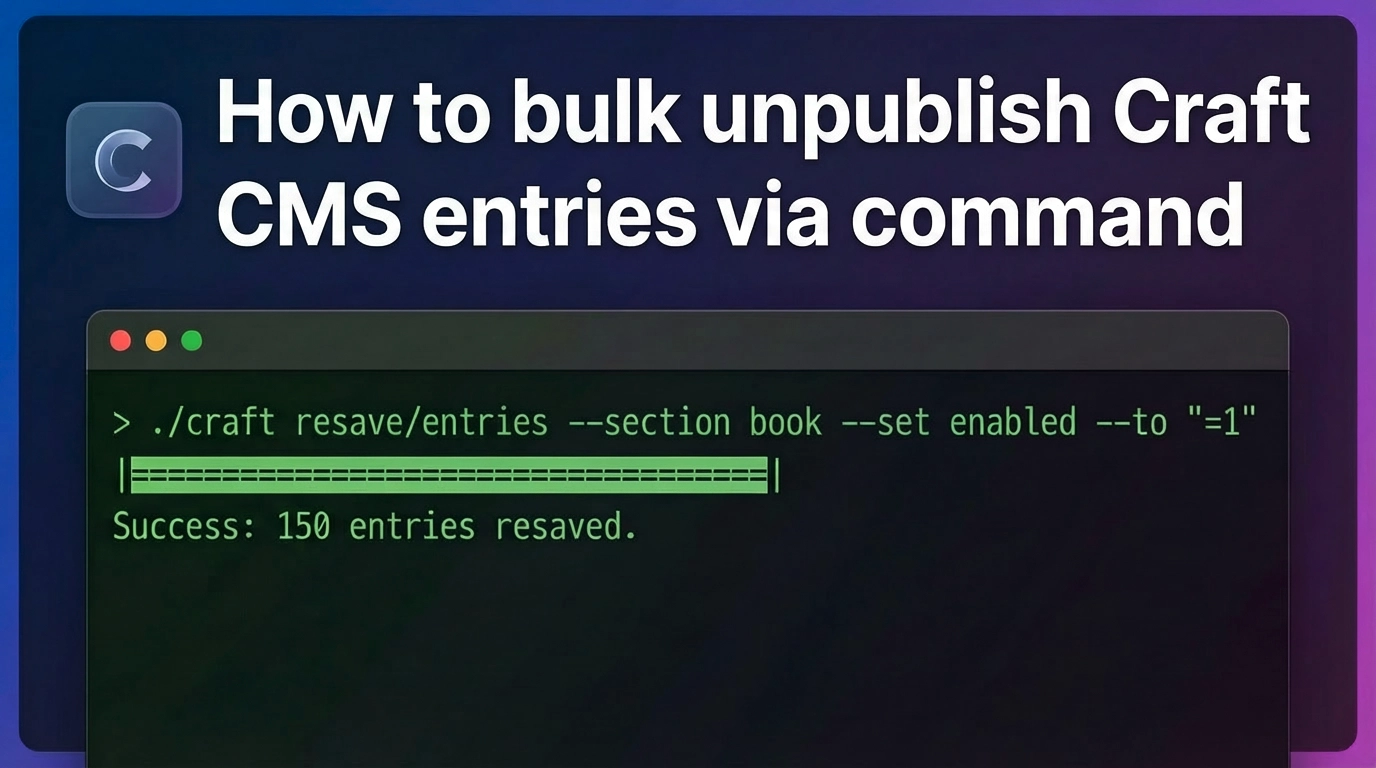
Table of Contents
Using the Craft CMS CLI tool's craft command, you can bulk change entries in a specific section to "Disabled (disabled)". In this article, using the book section as an example, we will explain in an easy-to-understand way how to execute the command to disable all entries.
How to bulk disable entries?
In Craft CMS, the "Enabled/Disabled" status is managed by the enabled field, so you can disable them in one go with the following command.
php craft resave/entries --section book --set enabled --to :empty:| Option | Description |
|---|---|
|
|
Specifies the target section (in this case,
|
|
|
Targets the
|
|
|
Sets the value to empty → becomes Disabled (disabled) |
* :empty: is a special notation that means "clear the value." Internally in Craft, an "empty enabled" is treated as Disabled.
How to change back to Enabled?
Simply by changing :empty: to "=1", all entries will be changed back to "Enabled."
php craft resave/entries --section book --set enabled --to "=1"Important Notes
- Always take a backup before running this in a production environment.
- There is no simulation option like
--dry-run. Changes are applied immediately upon execution. - It may take some time if there are a large number of entries.
Summary
Bulk operations from the CLI are extremely useful for managing large numbers of entries in Craft CMS. Tasks like "bulk disabling" are significantly easier than clicking through the control panel manually.
Disable all entries with just one line. It's definitely a trick worth knowing!