Compress and rename images for websites and blogs in one go! Mac app "TinyPress" has been released.
Table of Contents
When you're writing a blog, processing images is surprisingly tedious, isn't it?
Converting screenshots or photos downloaded from Unsplash to WebP, aligning filenames like blog-post-01.webp, and resizing them to 1200px while you're at it... Doing this one by one can be quite stressful.
To solve these common "blog image struggles," I created TinyPress, an image compression app for Mac.
What kind of app is TinyPress?
It's an app that handles compression, conversion, resizing, and renaming all at once, just by dragging and dropping images. Saying it like that makes it sound common, but personally, I intended to create an app that reaches those "itchy spots" I felt with typical image compression apps.
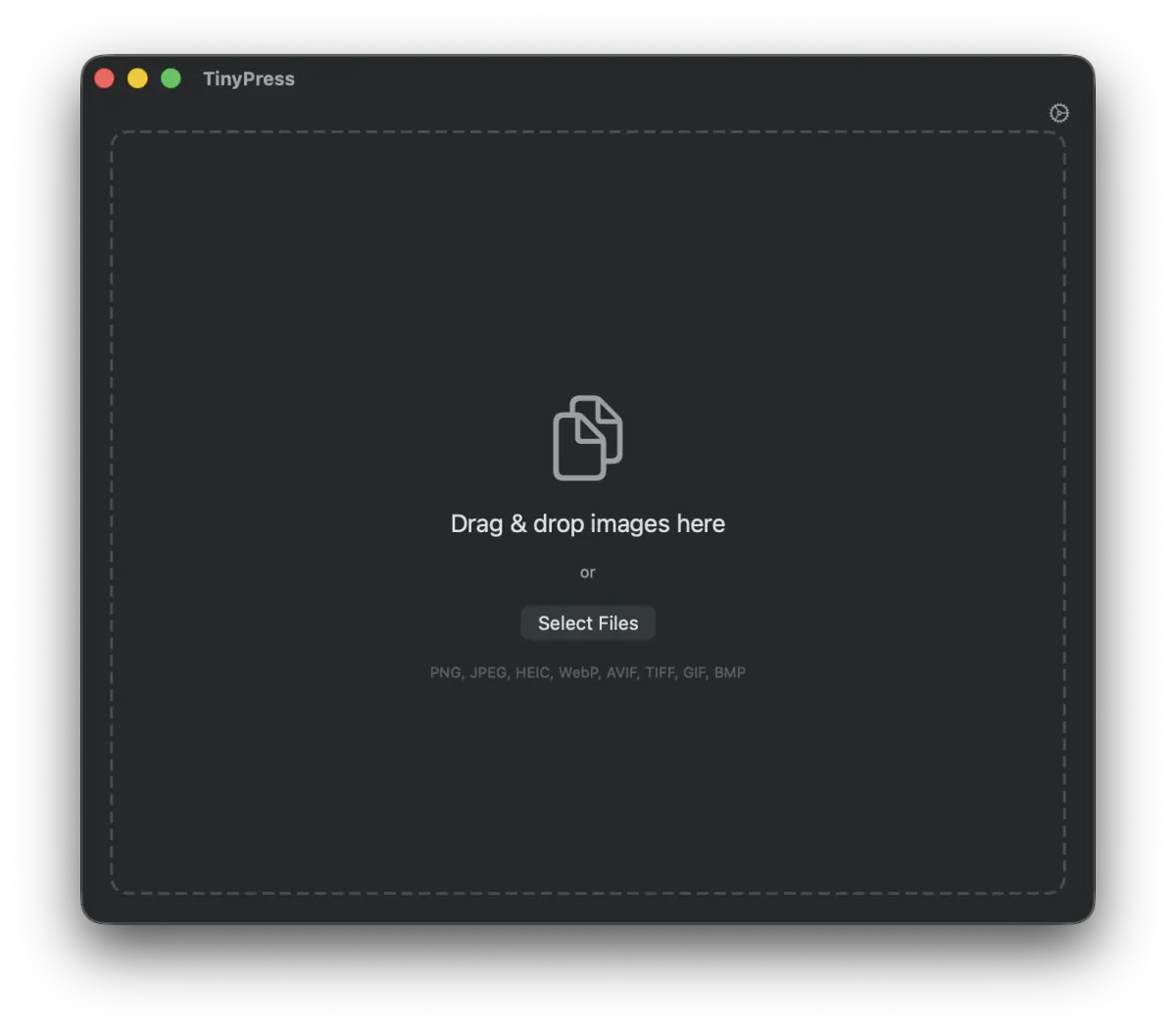
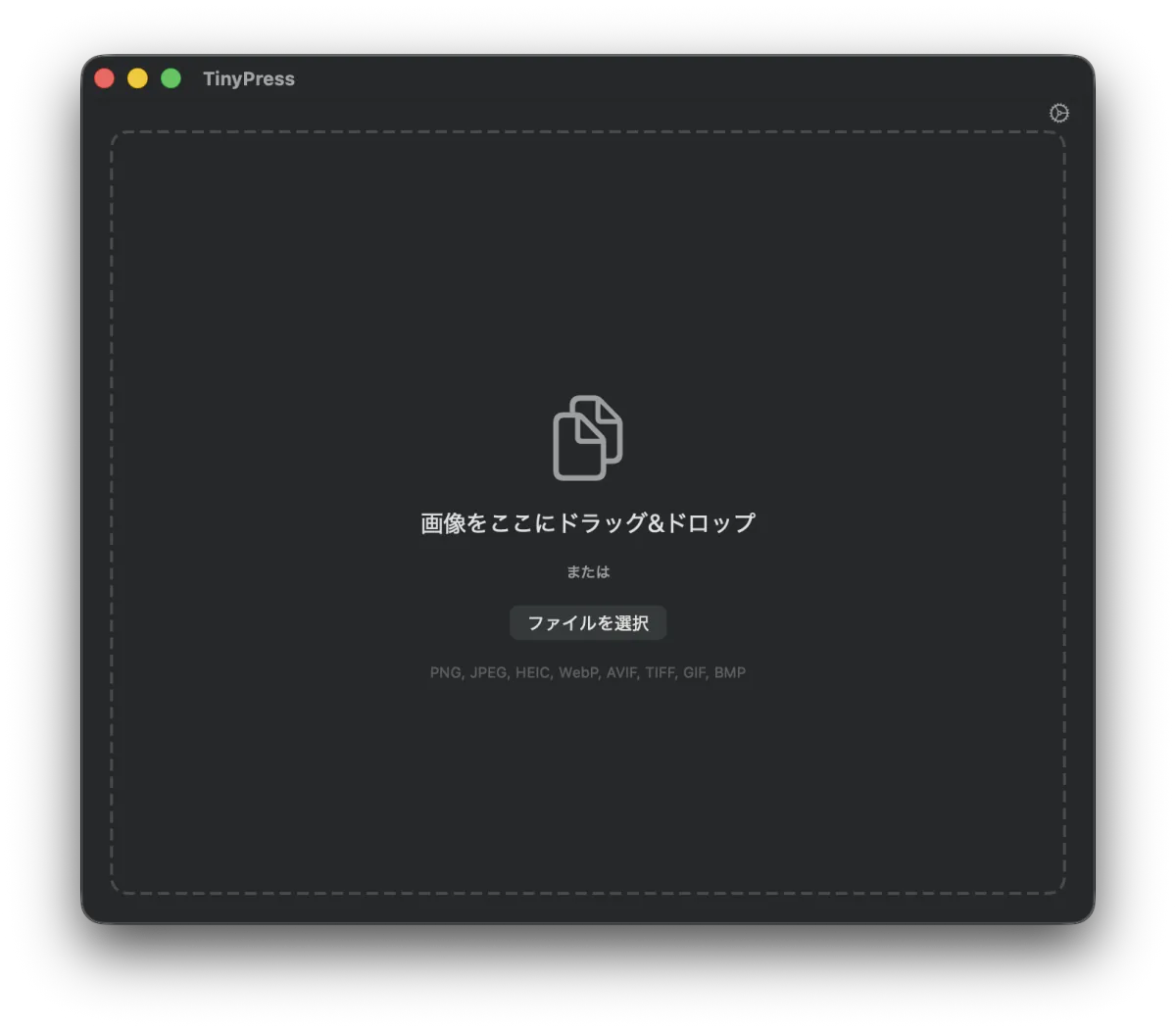
It's simple to use, completing in 3 steps:
- Drag and drop images into the window
- Choose the output format and quality
- Press "Start Conversion"
That's it. TinyPress handles the rest.
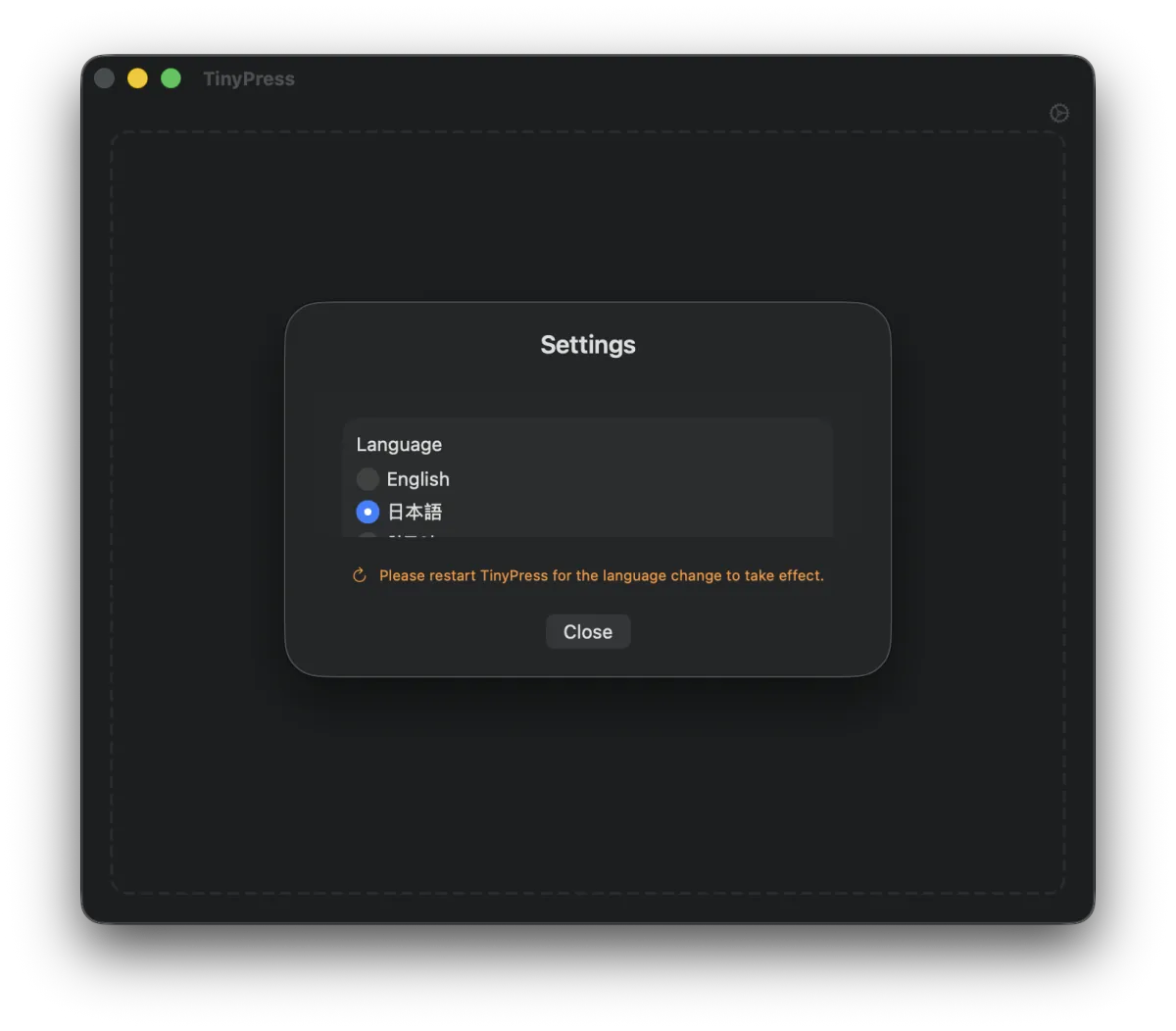
Of course, it also supports a Japanese UI. You can change it from the settings in the top right. Please restart the app once after making the change.
Extensive Format Support
It supports 5 types of output formats.
- WebP ... Standard for blogs and websites. Overwhelmingly smaller than JPEG.
- AVIF ... Next-generation format. Compression ratio equal to or better than WebP.
- JPEG ... Optimized with the MozJPEG engine. The reliability of being usable anywhere.
- PNG ... For images requiring transparency. Significantly reduces file size by reducing the number of colors.
- HEIC ... iPhone / Mac native format.
Input supports PNG, JPEG, HEIC, WebP, AVIF, TIFF, GIF, and BMP, so you can load almost any image you have on hand.
Incredible Compression Ratios
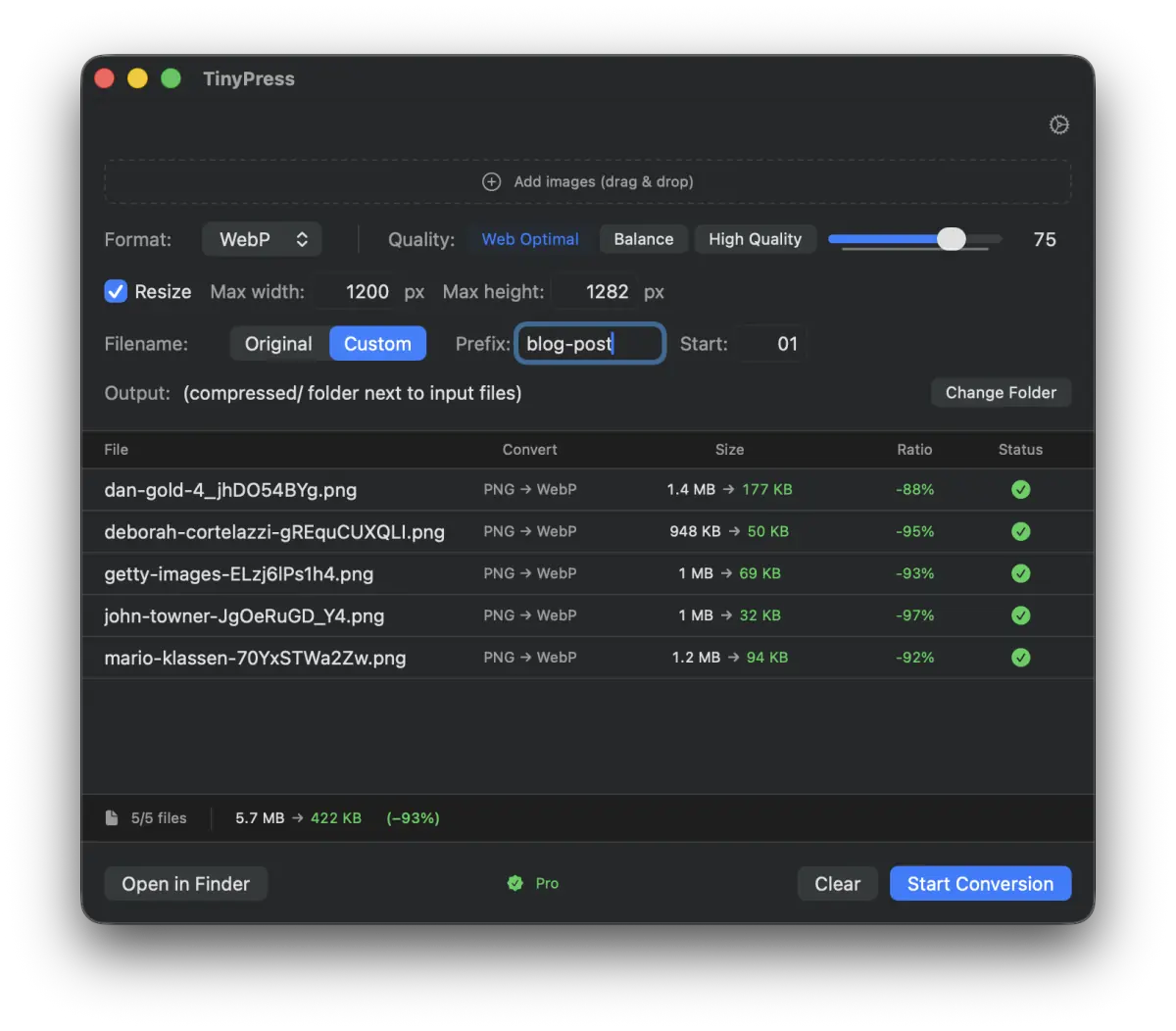
As for how small they actually get, it depends on the image, but here is a general guide:
| Conversion | Reduction Rate | Example |
|---|---|---|
| PNG → WebP | -97% | 986 KB → 21 KB |
| PNG → AVIF | -97% | 986 KB → 31 KB |
| PNG → JPEG | -94% | 962 KB → 56 KB |
| HEIC → WebP | -92% | 25.1 MB → 1.9 MB |
| PNG → PNG | -71% | 999 KB → 282 KB |
Converting PNG to WebP can result in a 97% reduction depending on conditions! Page loading speeds will improve dramatically.
"Rename Function" Great for Bloggers
This is my personal favorite feature.
When writing blog posts, you often want to align image files with sequential numbers like blog-post-01.webp and blog-post-02.webp. Like in tutorial articles or feature introduction posts.
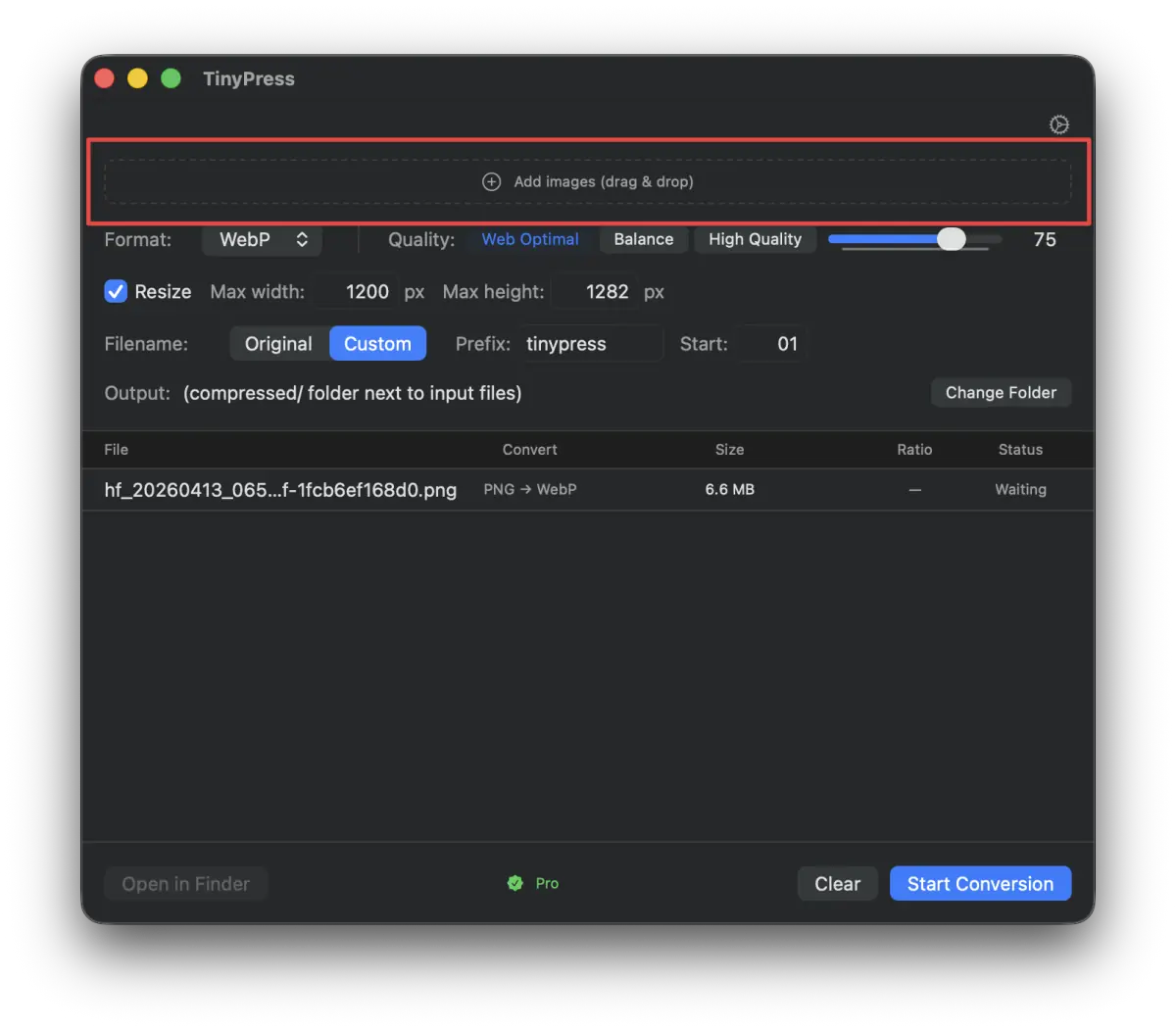
With TinyPress, just switch the Filename setting to "Custom" and enter the prefix and starting number.
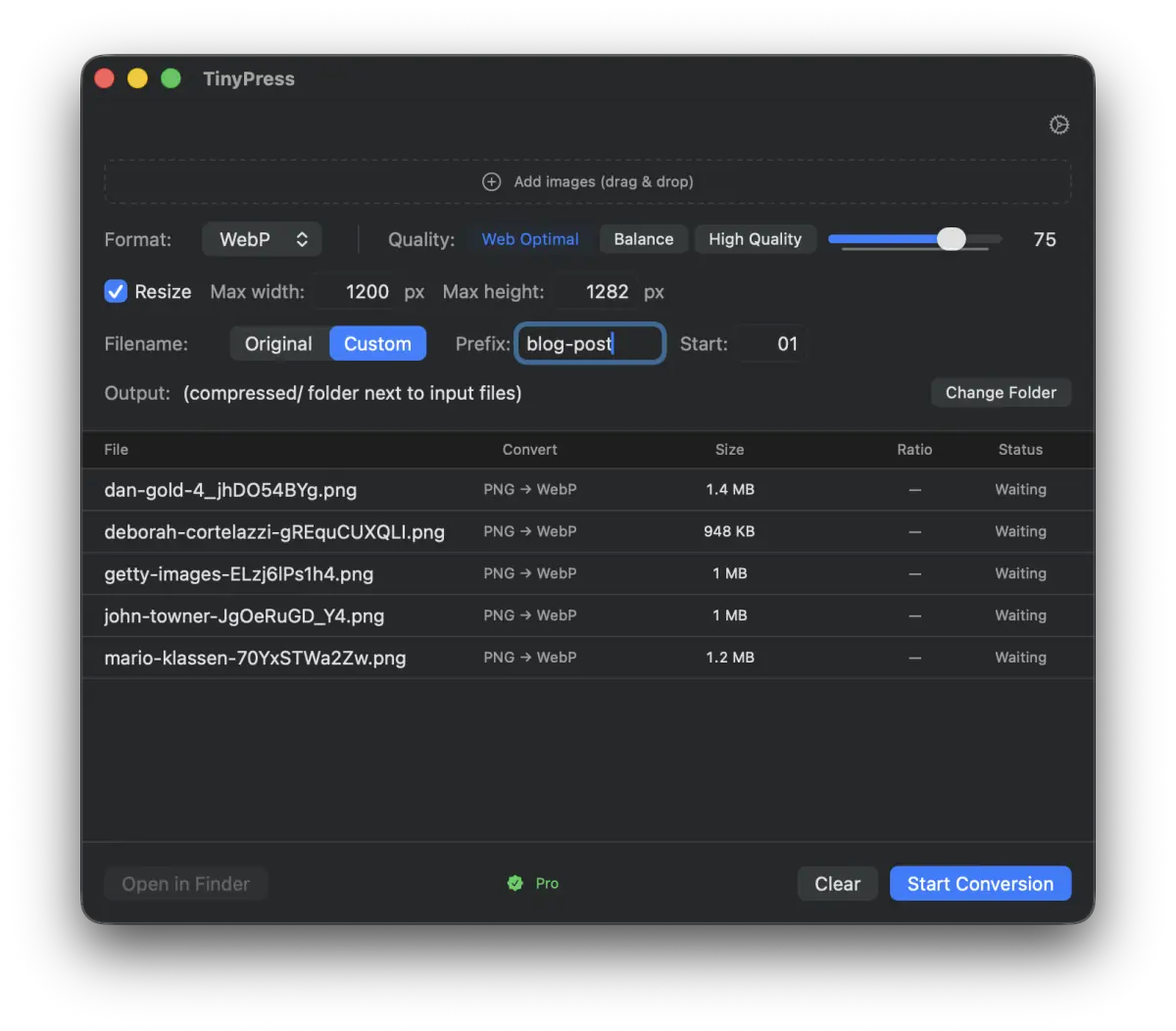
Once converted, sequential files are output neatly like this:
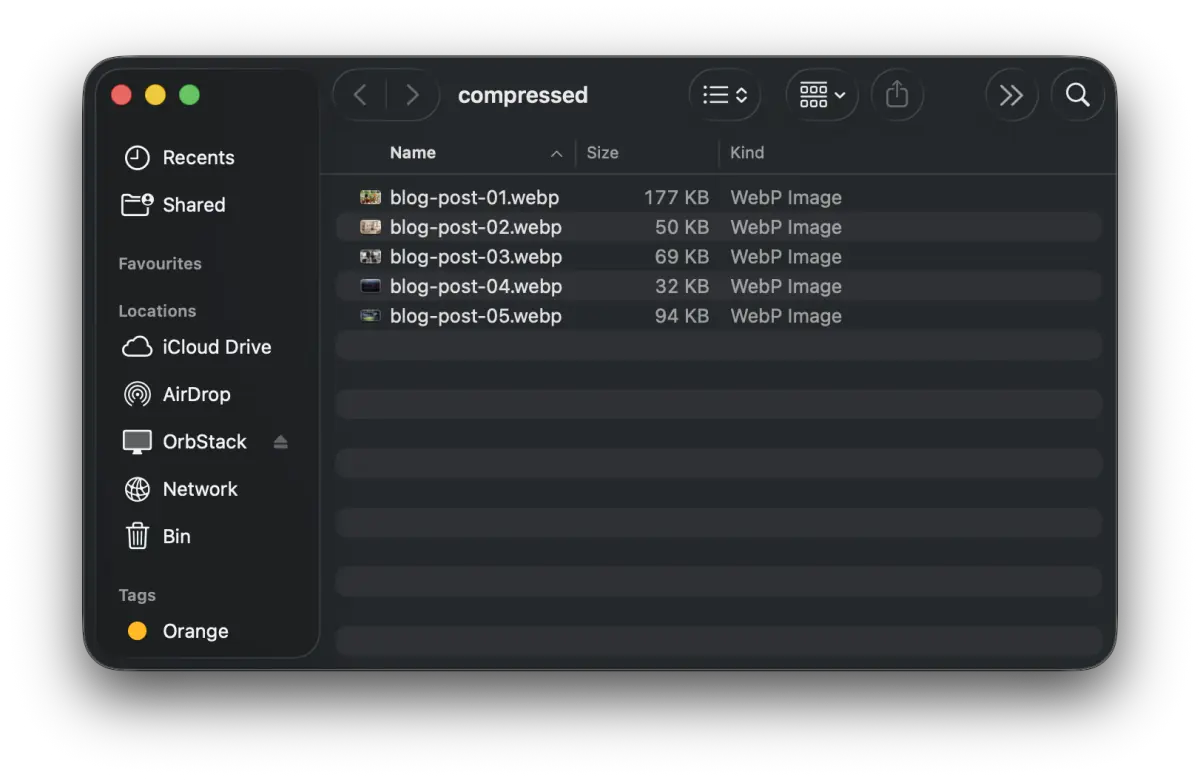
If you set the starting number to 01, it aligns them in 2 digits (01, 02, 03...); if you set it to 001, it uses 3 digits (001, 002, 003...). It's a small detail, but I paid attention to these fine points.
Resize Simultaneously
There are many situations where you want to unify the width of images. TinyPress also has a built-in resizing function.
Just check "Resize" and set the maximum width to 1200 px, and resizing is completed along with the conversion. The aspect ratio is maintained automatically, so you don't have to worry about the proportions getting distorted.
Batch Processing for Bulk Conversion
There's no need to process images one by one. If you drop an entire folder, it will load all the images inside, and it converts them quickly using parallel processing that utilizes your CPU cores.
You can also add them one by one and process them all at once at the end. For the second image onwards, drop them into the "Add Images" area at the top of the window.
Completely Offline
TinyPress performs all processing locally on your Mac. Since there's no need to upload images to the cloud, there are no privacy concerns, and you can use it even without an internet connection.
Pricing
TinyPress follows a freemium model.
| Free | Pro | |
|---|---|---|
| Price | Free | $9.99 (One-time purchase) |
| Daily Conversions | 10 images | Unlimited |
| All Formats | Supported | Supported |
| Resize | Supported | Supported |
| Rename | Supported | Supported |
You can use it for up to 10 images a day for free, so please give it a try first. If you like it, upgrading to Pro will help cover the developer's (my) coffee expenses. The license is a one-time purchase, not a subscription, so feel free to buy it!
Spring Sale in Progress
Until April 30th, you can purchase it at 30% off using the coupon code SPRING2026. That's $9.99 → $6.99.
System Requirements
- macOS 14 (Sonoma) or later
- Apple Silicon (M1, M2, M3, M4) and Intel Mac support
Download
You can download it from the product page.
Summary
TinyPress is a simple app where you just "drop images and press a button," but because it handles compression, conversion, resizing, and renaming all at once, it makes preparing blog images incredibly easy.
If you regularly write a blog or want to optimize images for a website, please give it a try.