Image compression, background removal, and AI upscaling in one Mac app. TinyPixy has been released.
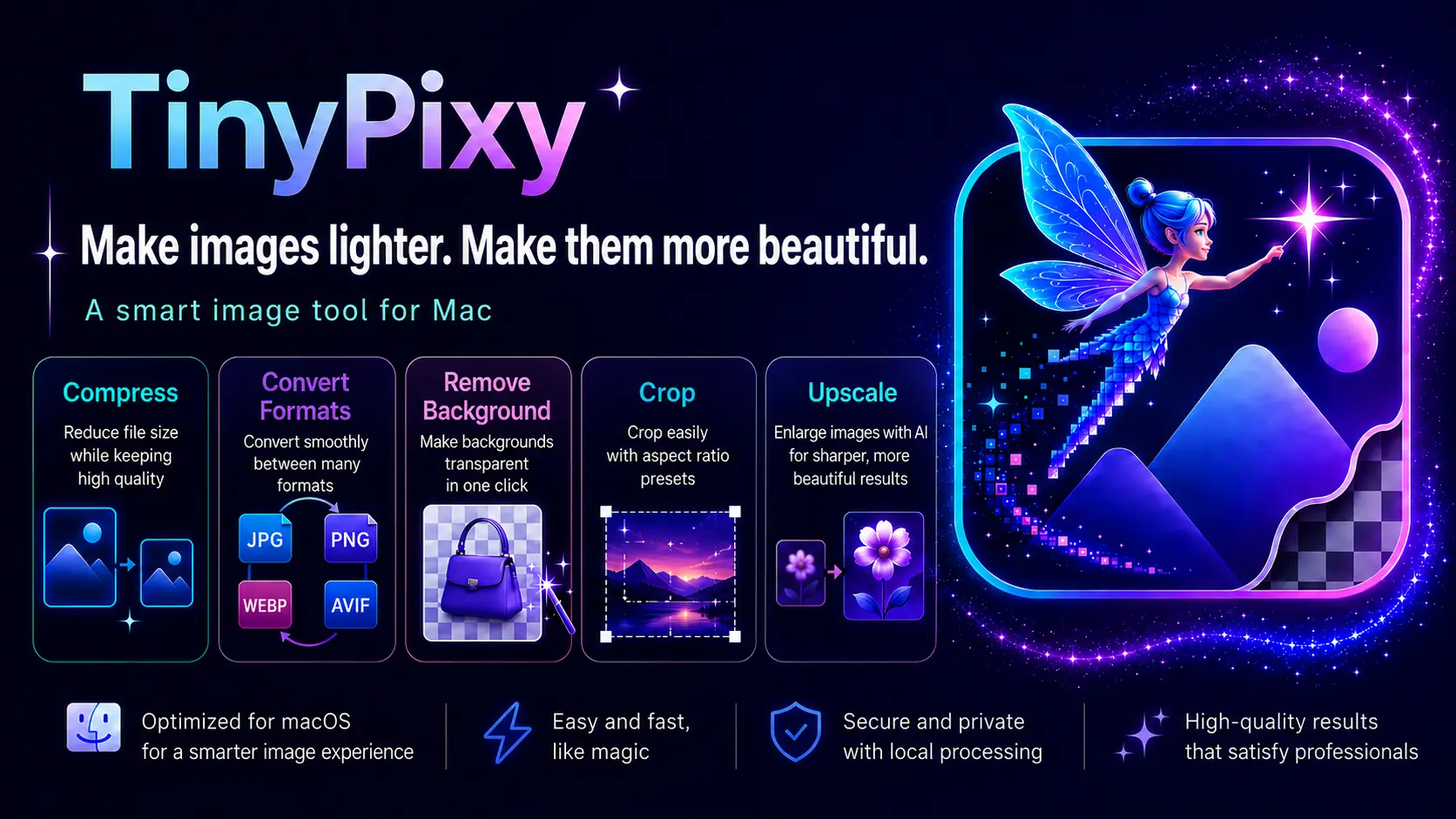
Table of Contents
When uploading images to the web, there are many situations where you might think, "I want to make this file a bit smaller," "I want to remove the background of this photo," or "The resolution of this asset isn't high enough." However, if your tools are fragmented—using one app for compression, an online service for background removal, and another tool for upscaling—you often end up exporting and re-uploading files multiple times for a single image.
Furthermore, many of these tools work by uploading images to the cloud. It can be a bit unsettling to entrust your personal photos to an external server, and costs can add up with monthly subscriptions or per-image credits.
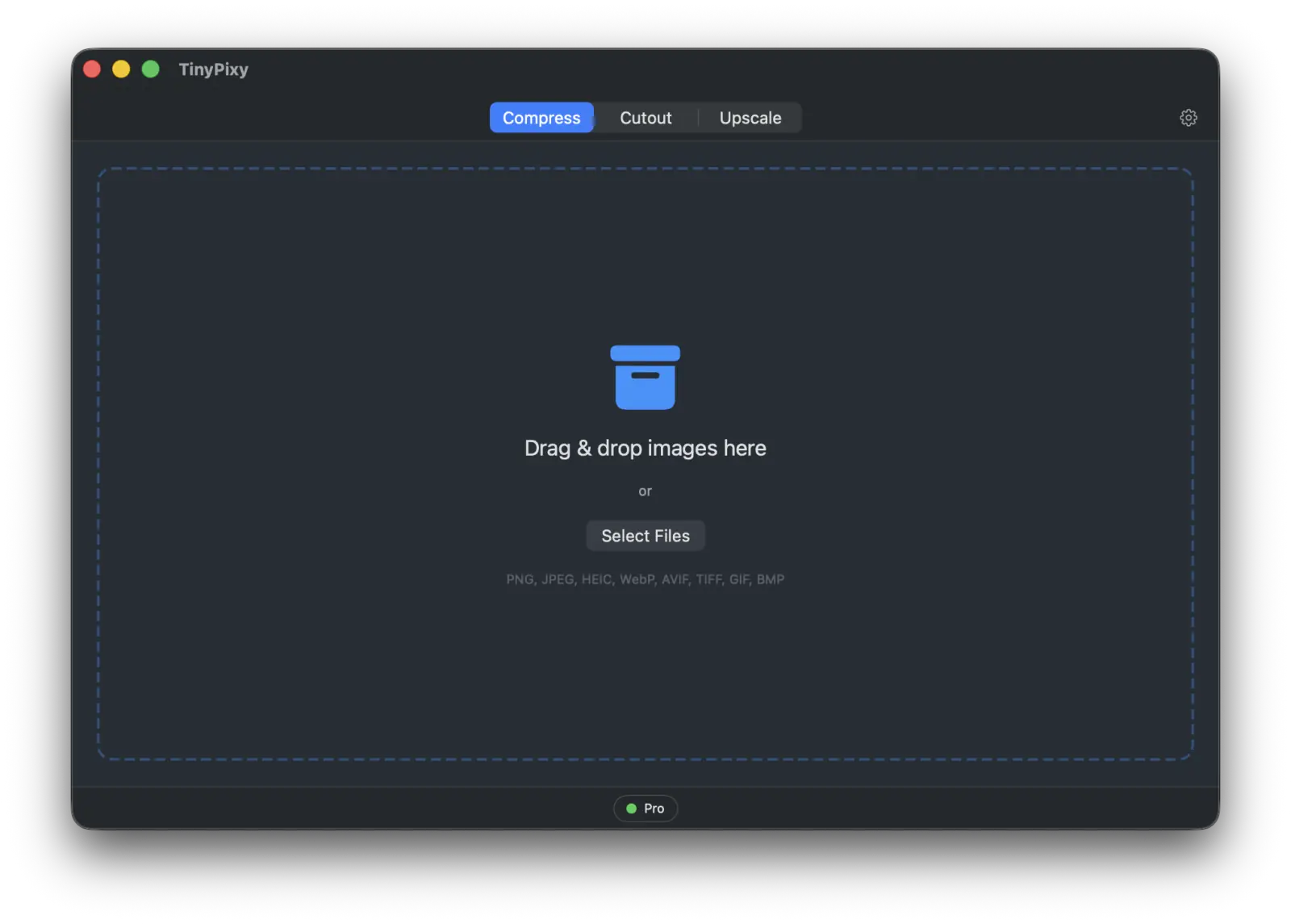
TinyPixy consolidates these "tedious image-related tasks" into a single Mac app. You can handle three main tasks—Compression, Background Removal, and AI Upscaling (Super-resolution)—within the same window just by switching tabs. Since all processing is completed entirely on your Mac, your images never leave your device. And because it's a one-time purchase, you don't have to worry about costs every time you use it.
Note: The following screenshots were taken with the English interface, but TinyPixy supports four languages: English, Japanese, Korean, and German. You can use it in Japanese with peace of mind.
What is TinyPixy?
TinyPixy is a macOS app that combines three frequently used image processing functions into one.
- Compress: Reduce file size for WebP / JPEG / PNG / HEIC / AVIF while maintaining image quality.
- Cutout: Remove the background while keeping the subject transparent.
- Upscale (AI Upscale): Sharply enlarge small, grainy images to 2x or 4x.
There are three main benefits. First, you can complete all three tasks in the same window without jumping between apps. Second, everything—including the AI upscaling—is processed locally on your Mac, so you don't have to send images to the cloud. Third, it is available as a one-time purchase rather than a monthly subscription or pay-as-you-go model.
TinyPixy is a member of the tinybeans toolbox and serves as a sister app to TinyPress (specialized in compression) and TinyCutout (specialized in background removal). It is positioned as a premium version that combines these previously separate features and adds the new AI Upscale function.
Below, we introduce the three features in order, starting with Upscale, which we put the most effort into for TinyPixy.
Sharply Upscale Images with Insufficient Resolution
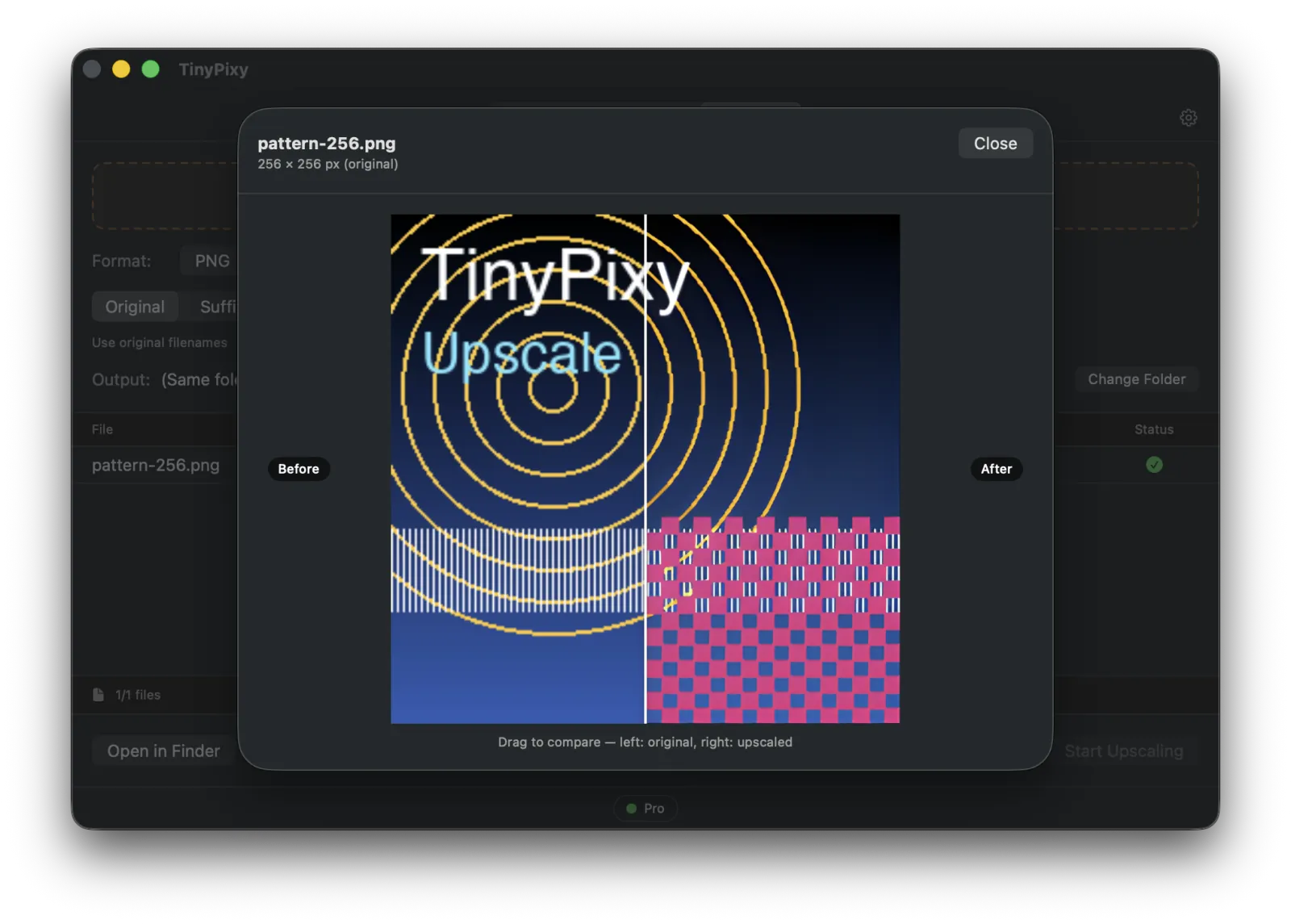
"I want to use this image larger, but it's too small and grainy." Do you have images you've given up on using because of low resolution, such as old assets, screenshots, or small logos? The Upscale tab takes those images and boosts them to 2x or 4x, with AI redrawing outlines and details to create a sharp finish.
Until now, this type of AI upscaling was primarily offered through cloud-based services. In TinyPixy, all that processing happens entirely on your local Mac. There is no need to upload images, and it works even without an internet connection. There are no additional fees based on the number of images processed.
You can choose from three modes depending on the image content:
- For general photos
- For anime/illustrations (works beautifully on line art and cel-shading)
- Lightweight/Fast 2x mode (for when 2x is sufficient)
We've optimized the internal processing so that even large images won't stop due to memory shortages, allowing you to load high-resolution photos with confidence. You can compare the results side-by-side with a Before/After view to check the finish on the spot.
Remove Backgrounds While Keeping the Photo Intact
In product photography or profile pictures, there is often a need to "keep only the subject and make the background transparent." The Cutout tab automatically identifies the subject and makes only the background transparent.
A key feature of TinyPixy is that it performs "lossless" cutouts by default. In some background removal processes, the subject itself is processed, slightly altering colors or outlines, but TinyPixy does not touch the pixels of the subject at all. The original photo's colors and textures remain exactly as they were, so you don't have to worry about quality loss after the cutout.
If a faint hint of the background color remains around hair or edges, you can switch to the optional "Clean Edges" mode. In this mode, AI removes color bleed from the edges for a clean finish. We recommend trying the lossless mode first, then using Clean Edges if you notice any issues.
Exporting is supported in PNG and TIFF, and you can also save just the cutout mask as a separate file.
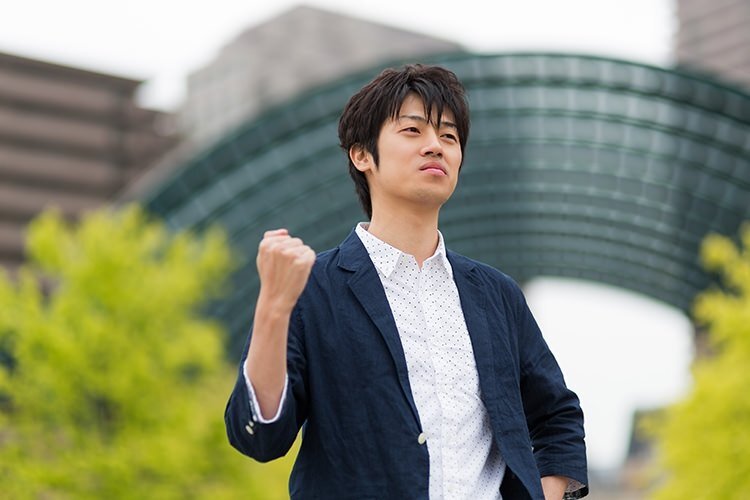
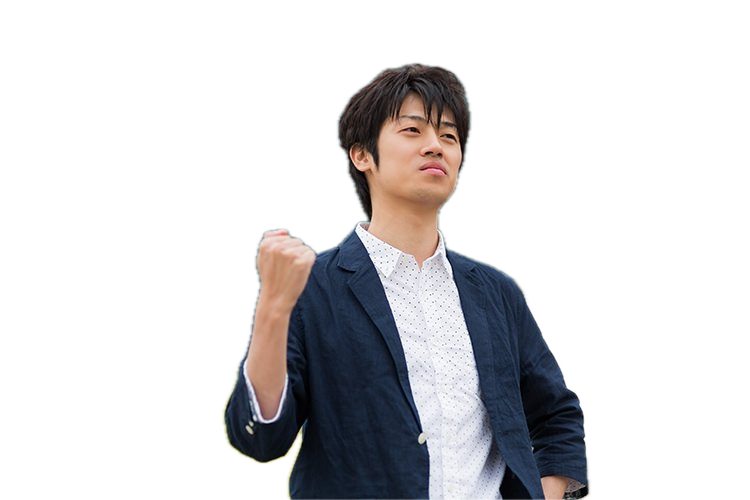
To be honest about background removal: for complex backgrounds with fine patterns or busy scenery behind a person, specialized cloud services may sometimes produce a cleaner cutout. However, for simple backgrounds, there is little difference in the result—and the processing is completed entirely on your Mac without sending any images externally. We believe it offers the right balance for everyday needs when you want to perform a quick cutout.
Lighten Files According to Their Purpose
The Compress tab compresses images for web use or archiving. It supports WebP, JPEG, PNG, HEIC, and AVIF, significantly reducing file size while maintaining quality for each format.
Quality can be freely adjusted with a slider, and presets are available for different purposes, such as "Web Optimal," "Balance," and "High Quality." You can also resize to a specific dimension or process multiple images at once. The compression quality is inherited from its specialized sister app, TinyPress, so you get the same professional results.
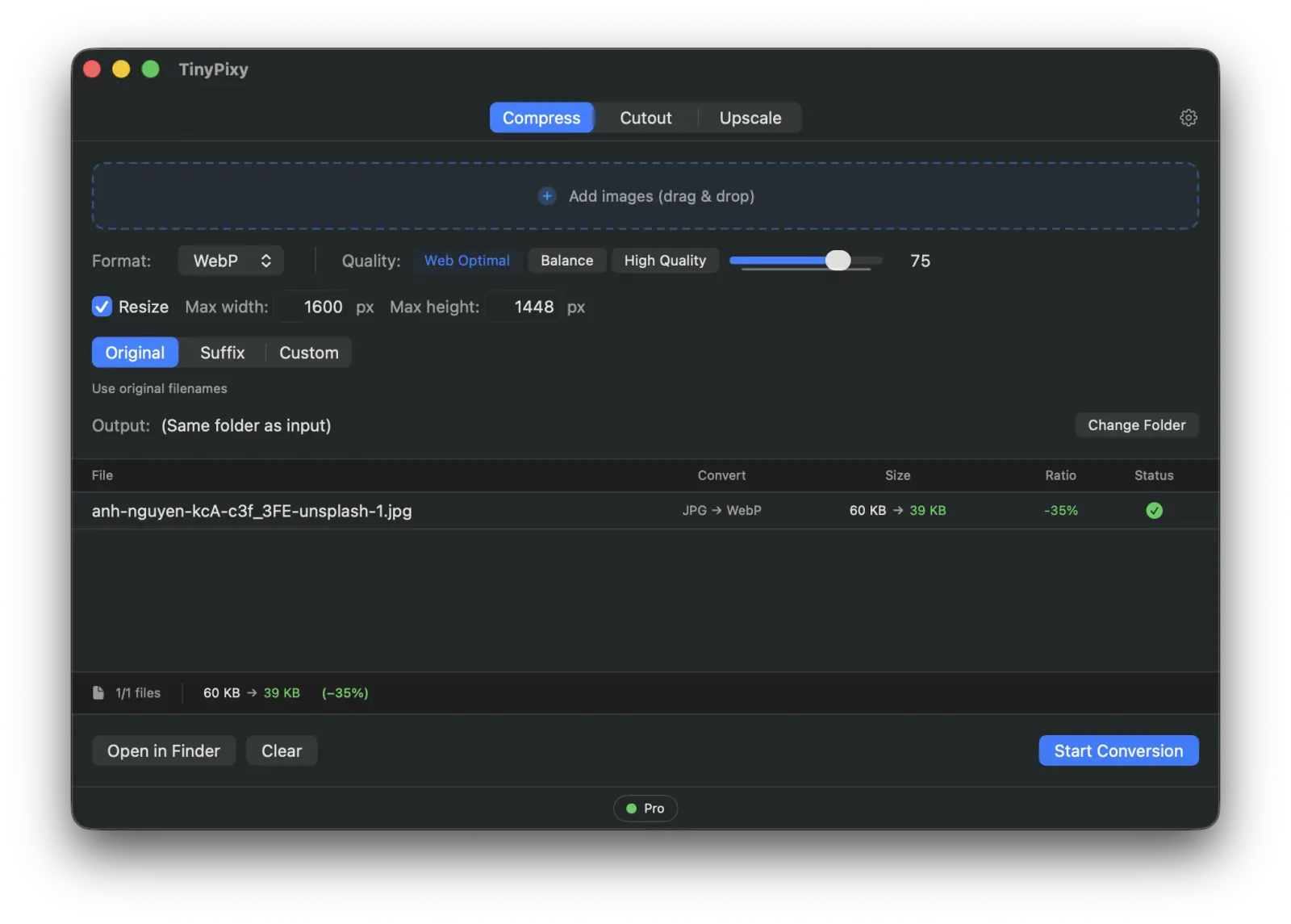
- Web Optimal: 921KB → 60KB
- Balance: 921KB → 86KB
- High Quality: 921KB → 171KB
Images Never Leave Your Mac
All TinyPixy processing—compression, background removal, and AI upscaling—takes place entirely within your Mac. Your images are never sent to any server. Communication only occurs for license verification and update checks.
Whether it's unreleased assets for work or photos containing people, there are many images you'd prefer not to send outside. On-device processing means you can handle such images without hesitation. We have not included any analytics that secretly collect usage data.
The app is built natively for Mac, so it is lightweight and responsive in both startup and processing. it works on both Apple Silicon and Intel Macs.
Pricing and Trial
TinyPixy is available in a Free version and a Pro version.
- Free Version: Up to 10 images per day (total across all three tools). Supports all formats and models with no functional restrictions.
- Pro Version: $19.99 one-time purchase. Unlimited processing and free updates for the 1.x series.
There are no monthly subscriptions or per-image credit charges. Once purchased, you can use all features—compression, background removal, and upscaling—without additional costs.
Since we do not offer refunds or cancellations after purchase, we recommend first checking the performance and results for your specific needs with the Free version before considering the Pro version. You can test all features in the Free version, so processing your actual images within the 10-image daily limit is the best way to be sure.
King's Birthday Sale (Until June 8th)
We are currently running a sale for the King's Birthday. Enter the coupon code KINGS50 at checkout to get 50% off, reducing the price from $19.99 to $10. This offer is valid until June 8th. If you are considering purchasing, this is the best time.
System Requirements and Download
- macOS 14 (Sonoma) or later
- Supports both Apple Silicon and Intel (Universal Binary)
You can find the download and further details on the product page.
- Product Page / Download: TinyPixy
Summary
TinyPixy consolidates "Compression, Background Removal, and AI Upscaling"—tasks that were previously split across various tools and services—into a single Mac app.
- Complete three tasks in the same window without jumping between apps.
- Everything is processed on your Mac, so images never leave your device.
- One-time purchase instead of a subscription; one license unlocks all features.
Please try processing your own images with the Free version first. We believe the best way to see if it fits your workflow is to see the results for yourself.